
Binaural Encoding Tool
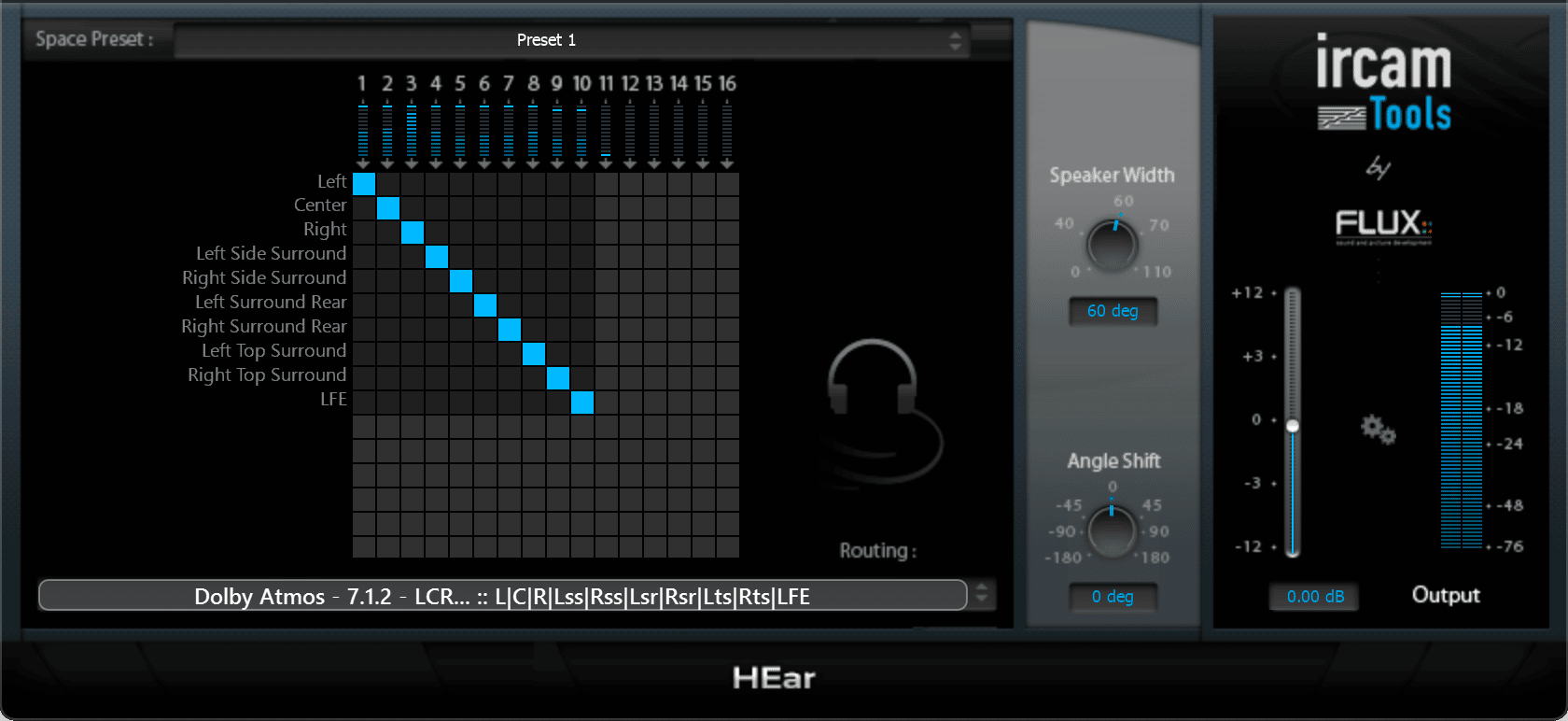
Ircam HEar provides faithful reproduction of a stereo mix or a full surround mix with up to 16 channels, supporting Dolby Atmos® with a pair of conventional stereo headphones. It relies on proven technology to model the various phenomena that occur when playing back audio material through a loudspeaker system.
Ircam HEar
Faithful binaural reproduction of a stereo mix or a full surround mix with up to 16 channels, supporting Dolby Atmos® with a pair of conventional stereo headphones.
* We offer a 50% academic discount, based on the full MSRP, for students, teachers and schools on all our products. Click here to apply.

All Features
- Up to 16 channels processing (Channel Based Virtualization) with support for Dolby Atmos®
- Pro Tools HD 7.1.2 & 7.0.2 Dolby Atmos® Bus Support
- Space Presets, presenting a range of spaces with subtly different colorations
Read more ...
- Routing Matrix for mapping between the plugins inputs from the DAW track to the virtual speaker internal outputs
- Speaker Mode specifies the emulated virtual speaker configuration
- Speaker Width to control the width between virtual speakers, expressed in degrees, which allows for narrowing or broadening the stereo image.
- Angle Shift to control the angle between the listener and the center of the virtual speakers
- HEar relies on HRTF filter measurements made using a KEMAR (Knowles Electronics Manikin For Acoustic Research) dummy head and torso simulation.
Compatibility



Binaural technology
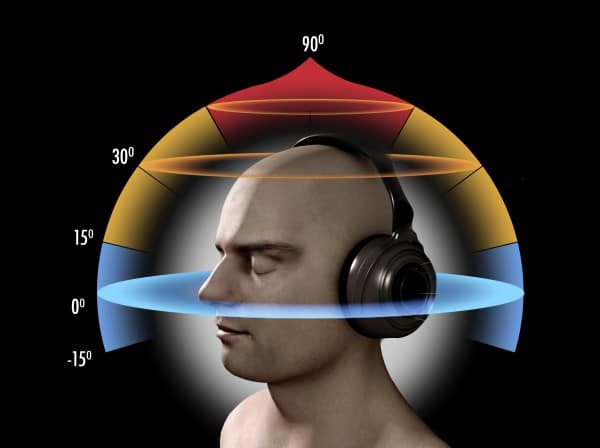
Binaural technology encompasses methods for recording, processing, synthesizing and reproducing sound that are specifically designed to preserve tridimensional localization properties.
In order to mimic the impression of a sound originating from a given incidence, it is sufficient to filter a mono signal, which on its own lacks any kind of spatial information, with both left and right HRTF filters. This constitutes the foundation of binaural synthesis.
Please note that the resulting signal is only meant to be listened to with headphones, and isn’t designed for a conventional stereo loudspeaker setup.
Signal Routing and Speaker setup
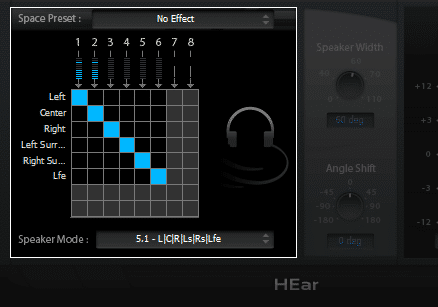
A routing Matrix provides an overview of the mapping between the plugin’s inputs from the DAW track to the virtual speaker internal outputs, and a Speaker Mode specifying which virtual speaker configuration that should be emulated.
Signal Routing and Speaker setup
A routing Matrix provides an overview of the mapping between the plugin’s inputs from the DAW track to the virtual speaker internal outputs, and a Speaker Mode specifying which virtual speaker configuration that should be emulated.